
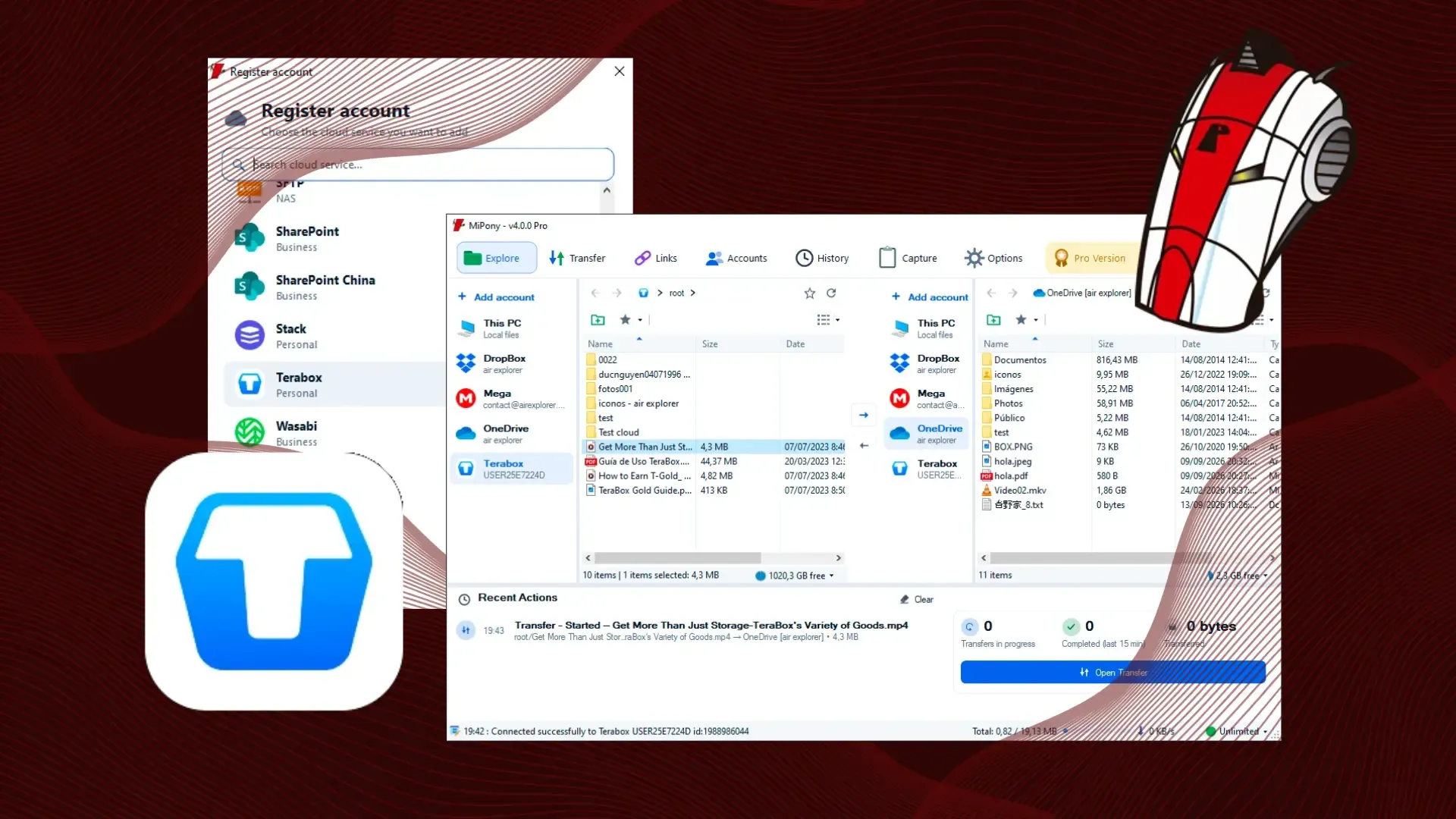
How to transfer Terabox files to another cloud from Windows
Transfer Terabox files to another cloud such as Mega or OneDrive from your Windows PC, copying cloud to cloud in Mipony without downloading first.
Tutorials, tips and news to get the most out of your clouds with Mipony.
Transfer Terabox files to another cloud such as Mega or OneDrive from your Windows PC, copying cloud to cloud in Mipony without downloading first.
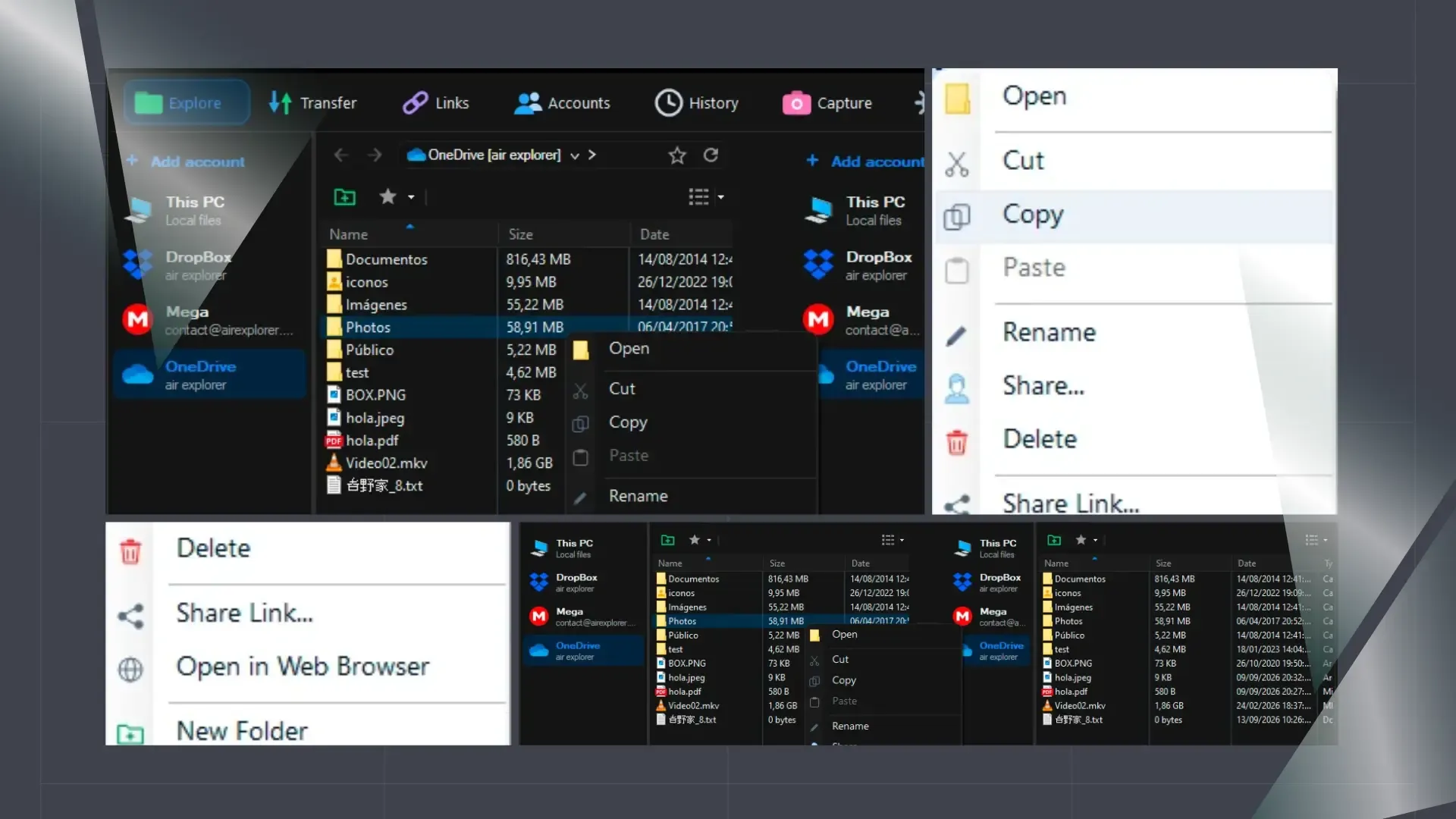
Manage cloud files without a browser: open, edit, move and share links to files in OneDrive, Dropbox or MEGA with a right-click in Mipony.
Use multiple OneDrive accounts on one PC, personal or work, even though Microsoft's app allows just one personal account. Step-by-step with Mipony.
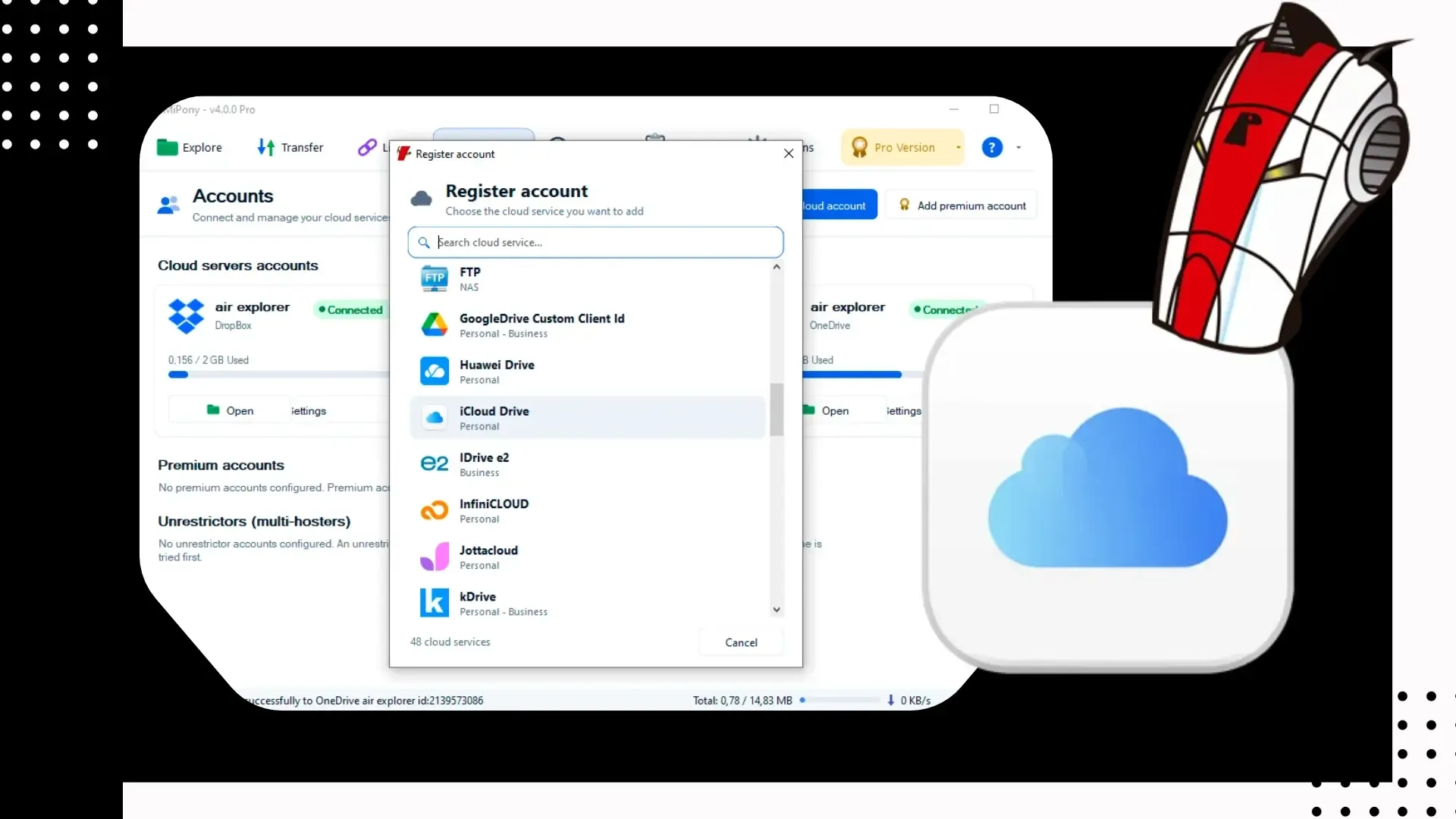
Move iCloud Drive files to OneDrive from your Windows PC: connect iCloud in Mipony and copy cloud to cloud, without downloading everything first.
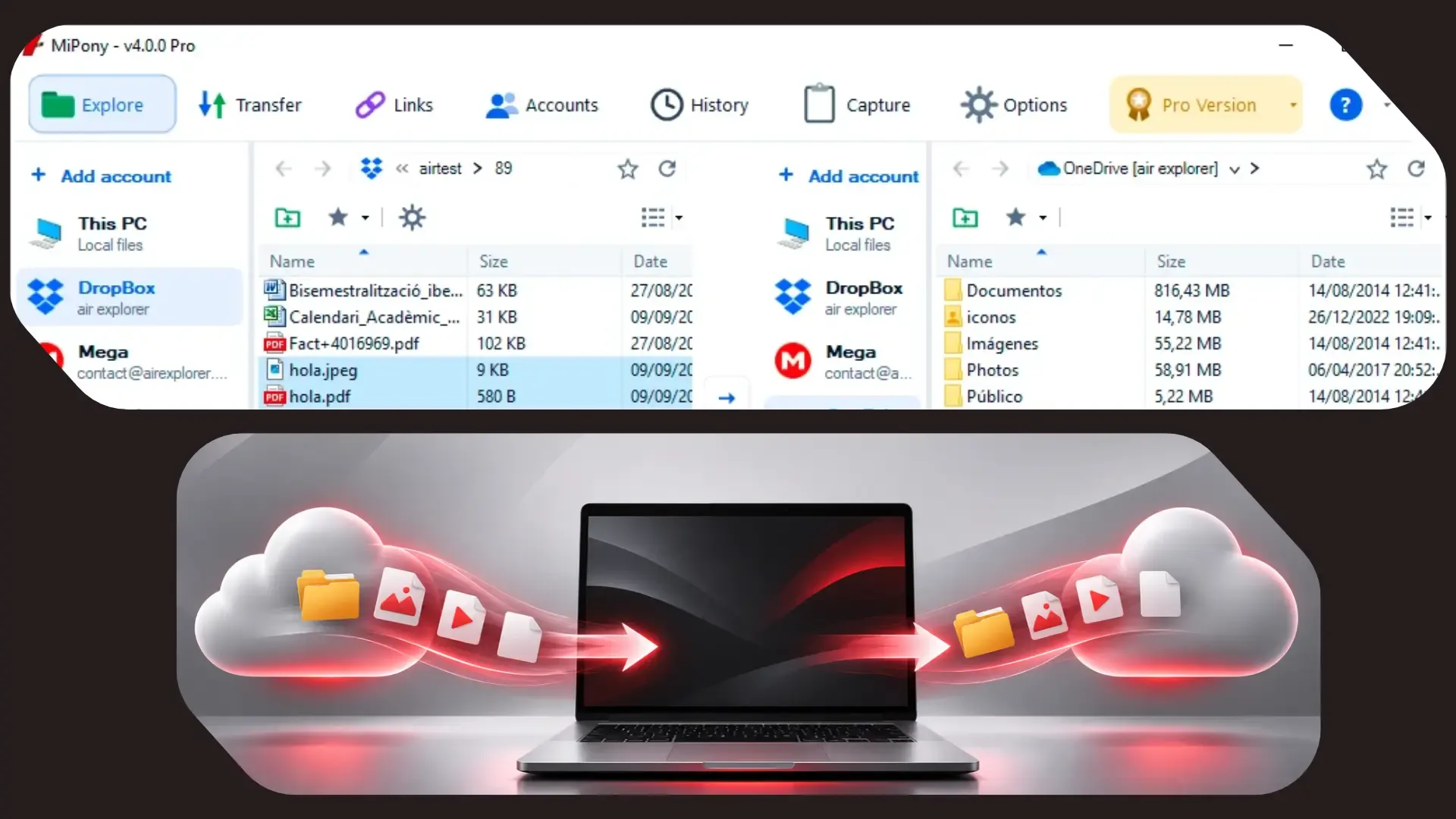
Looking for a MultCloud alternative without the 5 GB monthly cap? See how Mipony, a free Windows app, compares and moves files between clouds.
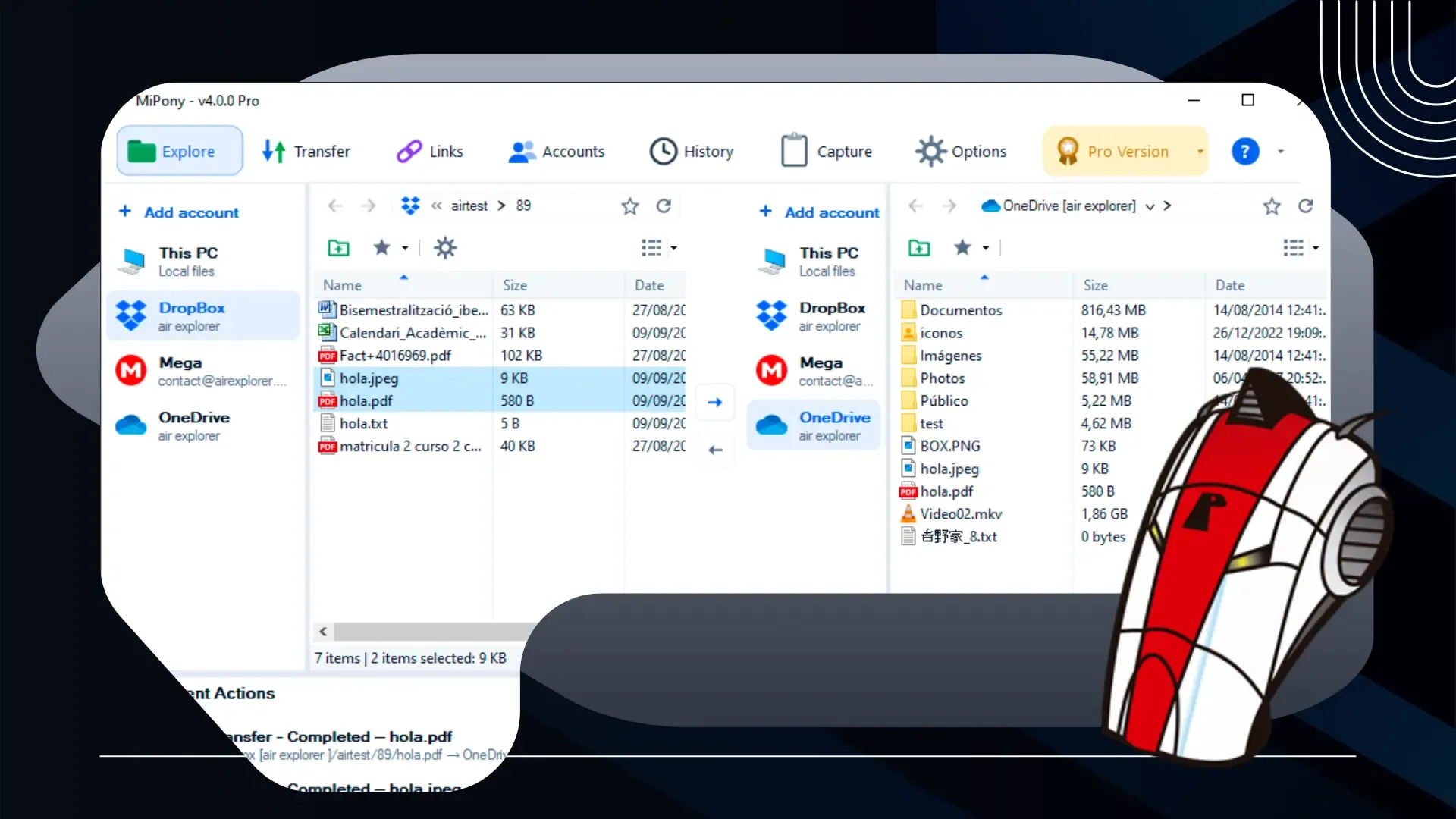
Move files from one cloud to another without downloading them first: what to check, how to copy between services with Mipony, and how to verify it.
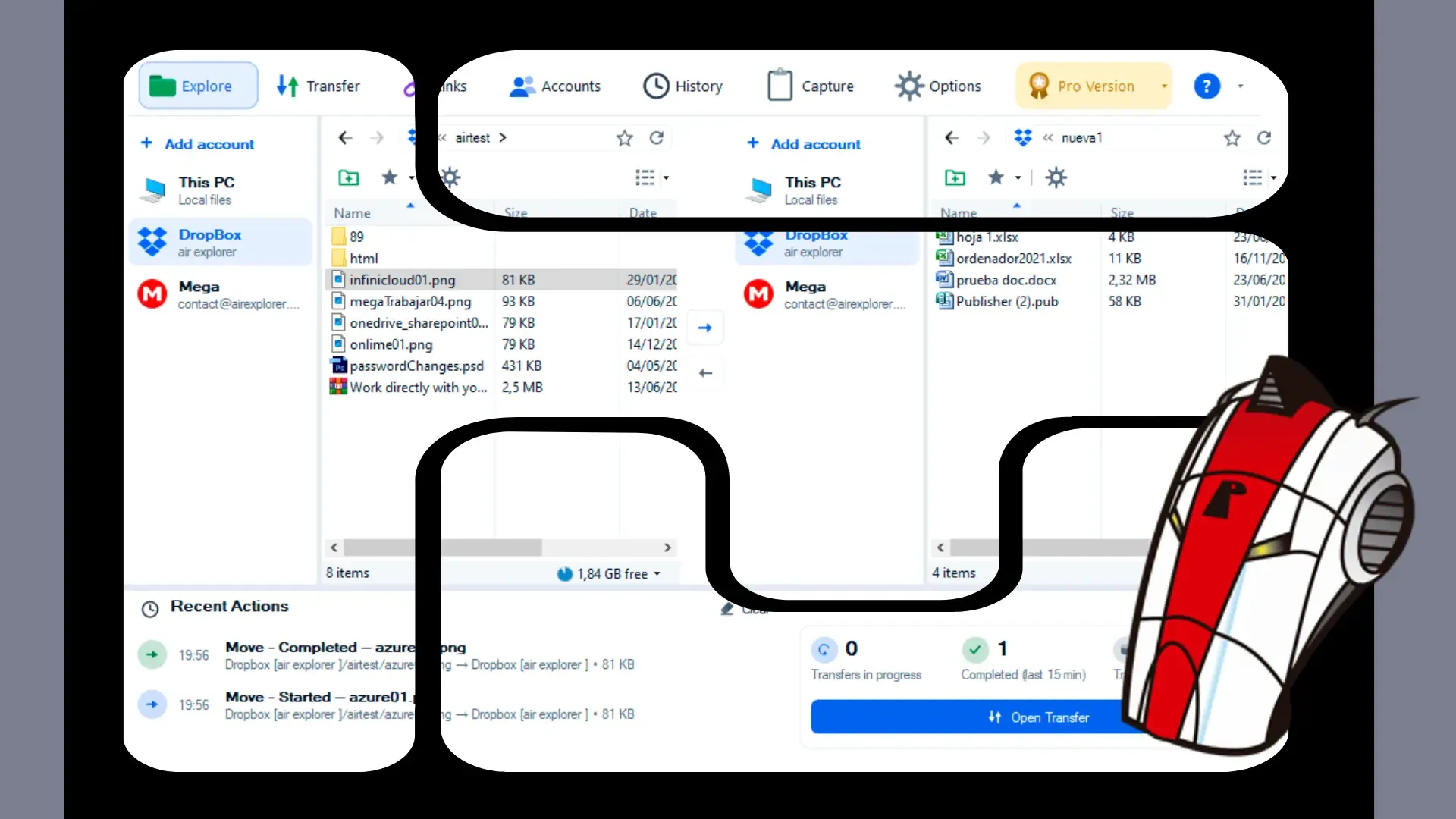
Learn how to use Mipony step by step: connect your cloud storage account, upload files from your PC, and check your first transfer.
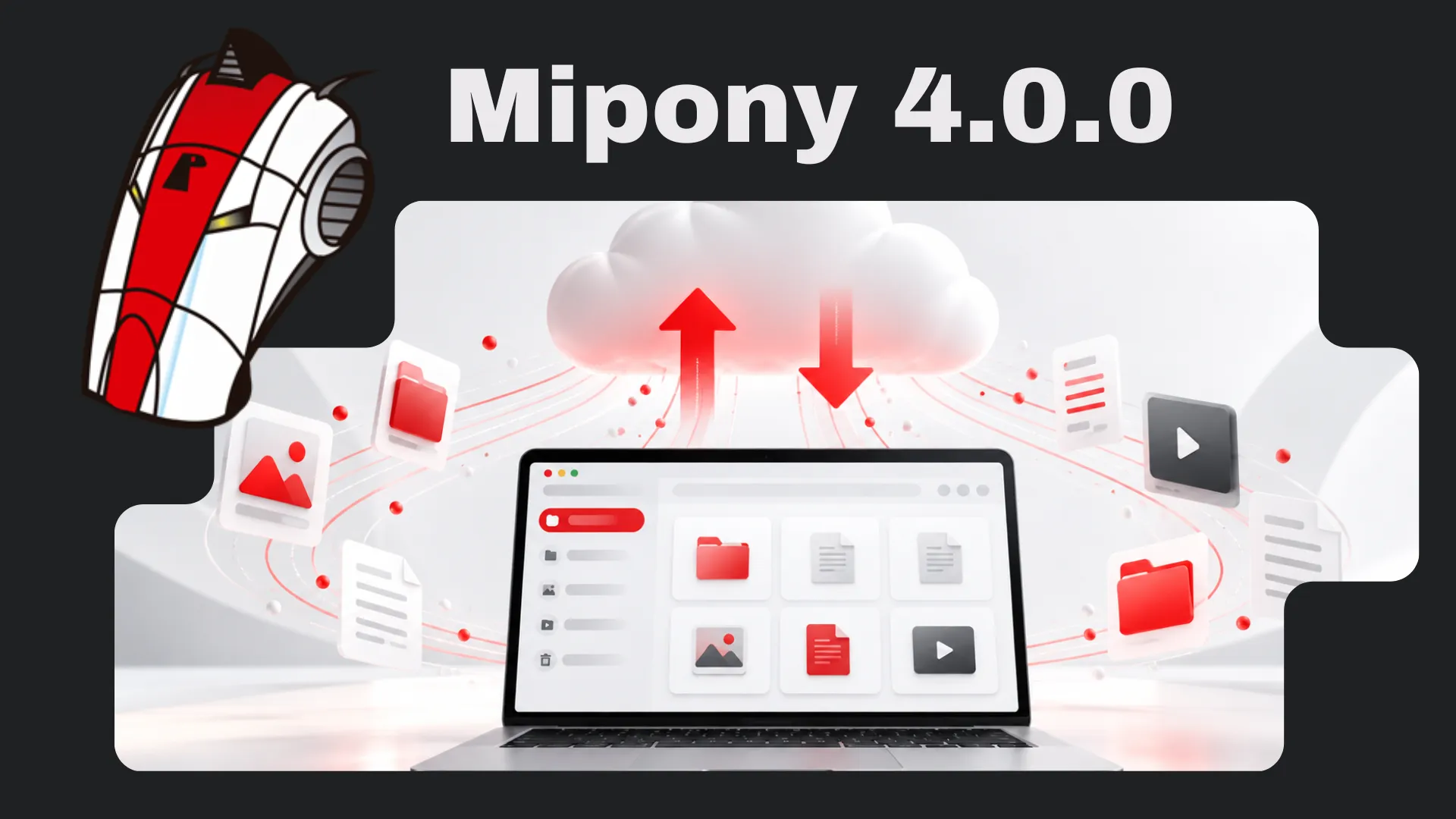
Discover Mipony 4.0.0: multi-cloud management, free unlimited transfers, and a two-pane explorer to organize and move your files.