
New version: Mipony 4.0.0
Posted on September 26, 2026
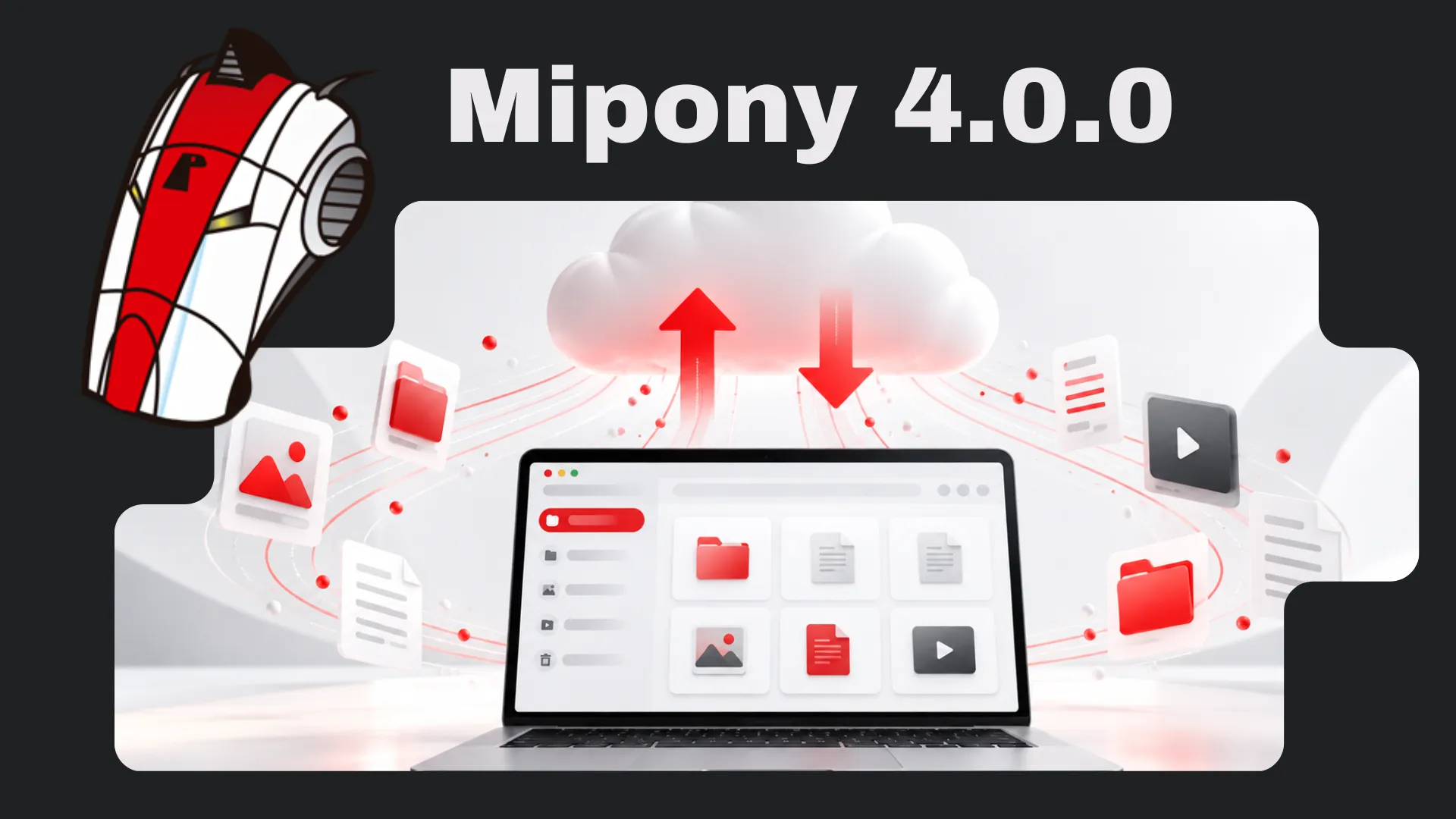
Mipony 4.0.0 introduces multi-cloud management to connect your accounts, organize your files, and work with different storage services from one interface. Bring your clouds together in one window and choose where to save or transfer your files.
Free unlimited transfers between clouds
Copy your files from Google Drive to OneDrive and between other supported services, free and without limits. With Mipony, you can bring together files spread across several accounts or copy them to another cloud from the same explorer.
Your PC and clouds, in two panes
Upload files and folders from your PC, download them to your computer, or copy them between clouds using a two-pane explorer. Open the source on one side and the destination on the other, select your items, and use the central arrows to start copying.
You can also organize your files: create folders, copy, paste, rename, and delete items from the cloud explorer.
Track each operation in Transfers
Check the status, progress, and speed of your operations in the Transfers tab. Follow downloads, uploads, and copies between clouds in one place.
Compatible with your storage services
Mipony supports a wide range of clouds, including:
- Google Drive
- OneDrive
- Dropbox
- MEGA
- iCloud Drive
- Box
- pCloud
- SharePoint
- Amazon S3
- Azure
Connect your accounts and access files from different providers without switching applications.
Download Mipony for Windows or read the Mipony manual to learn how to connect your accounts and make your first transfers.