
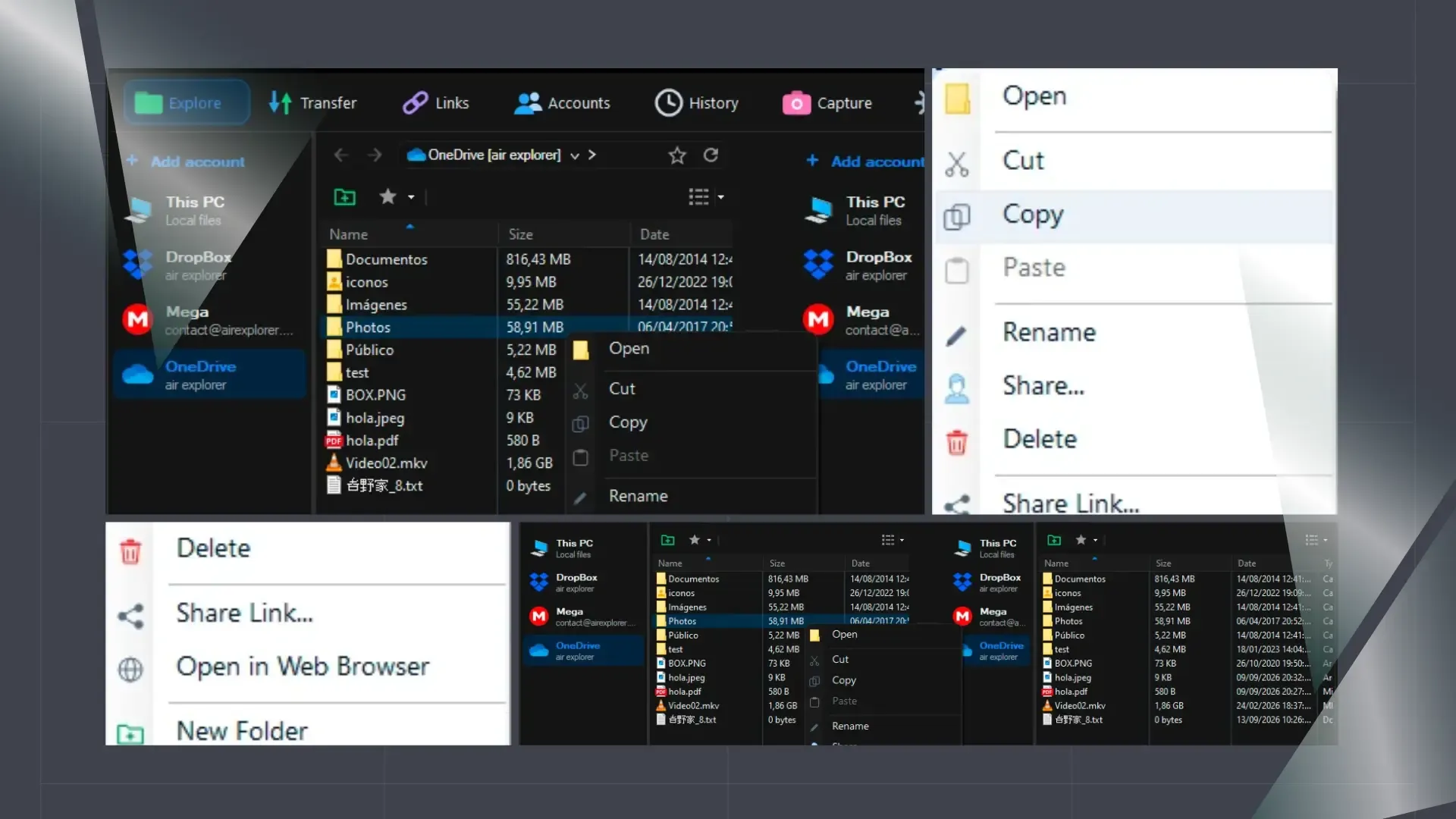
How to manage cloud files without a browser on Windows
Manage cloud files without a browser: open, edit, move and share links to files in OneDrive, Dropbox or MEGA with a right-click in Mipony.
News and product updates for Mipony.
Manage cloud files without a browser: open, edit, move and share links to files in OneDrive, Dropbox or MEGA with a right-click in Mipony.
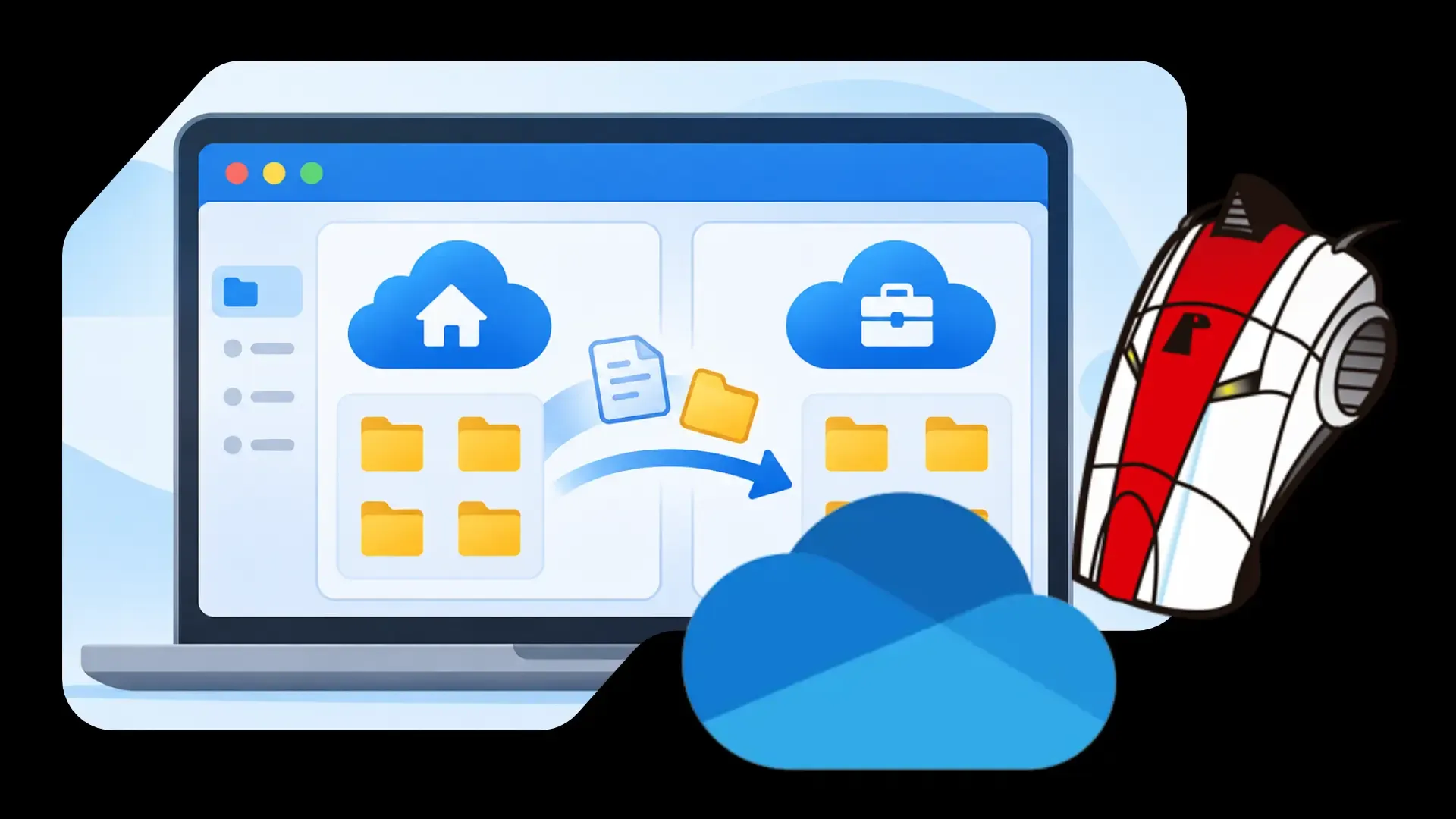
Use multiple OneDrive accounts on one PC, personal or work, even though Microsoft's app allows just one personal account. Step-by-step with Mipony.
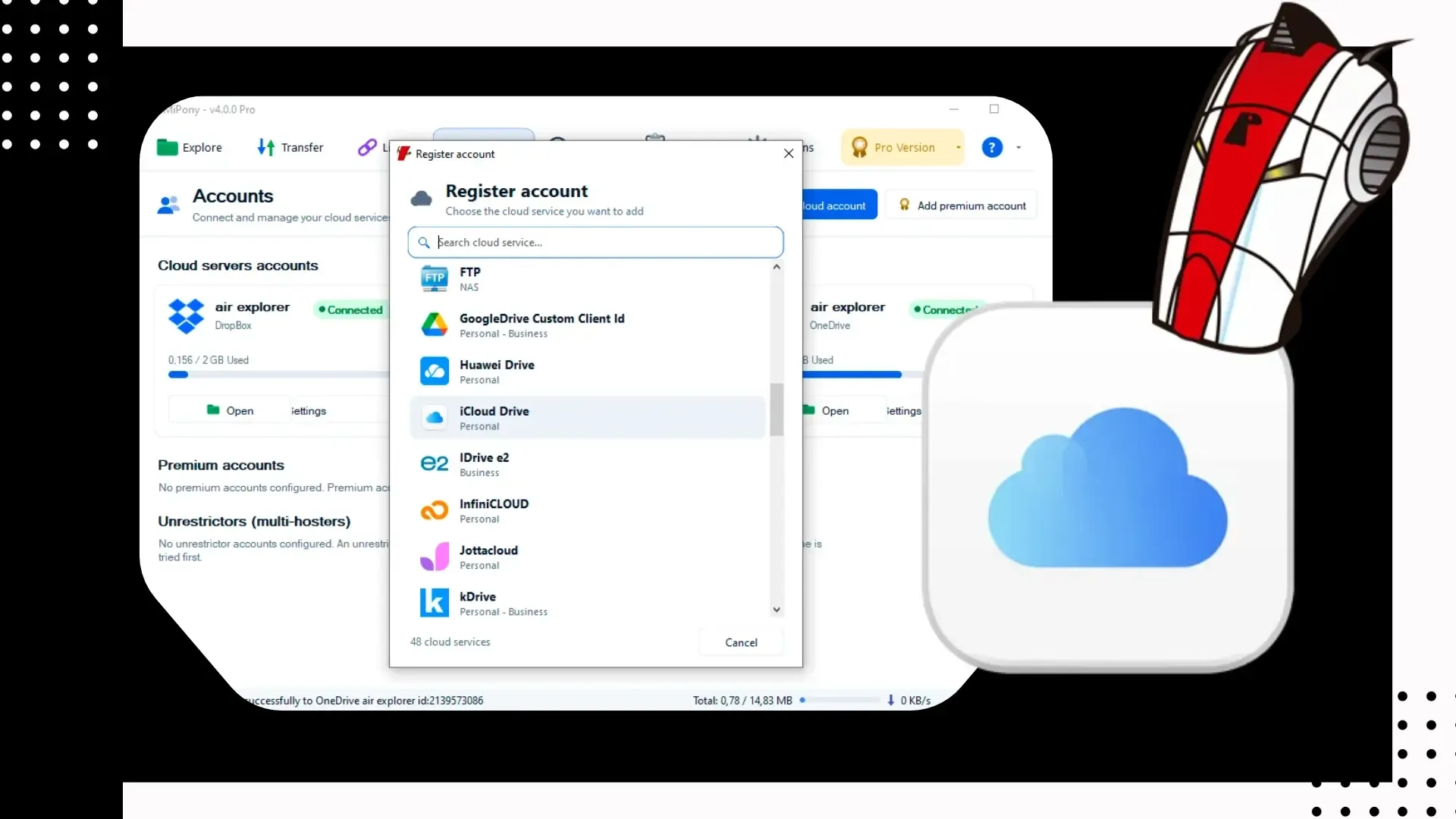
Move iCloud Drive files to OneDrive from your Windows PC: connect iCloud in Mipony and copy cloud to cloud, without downloading everything first.
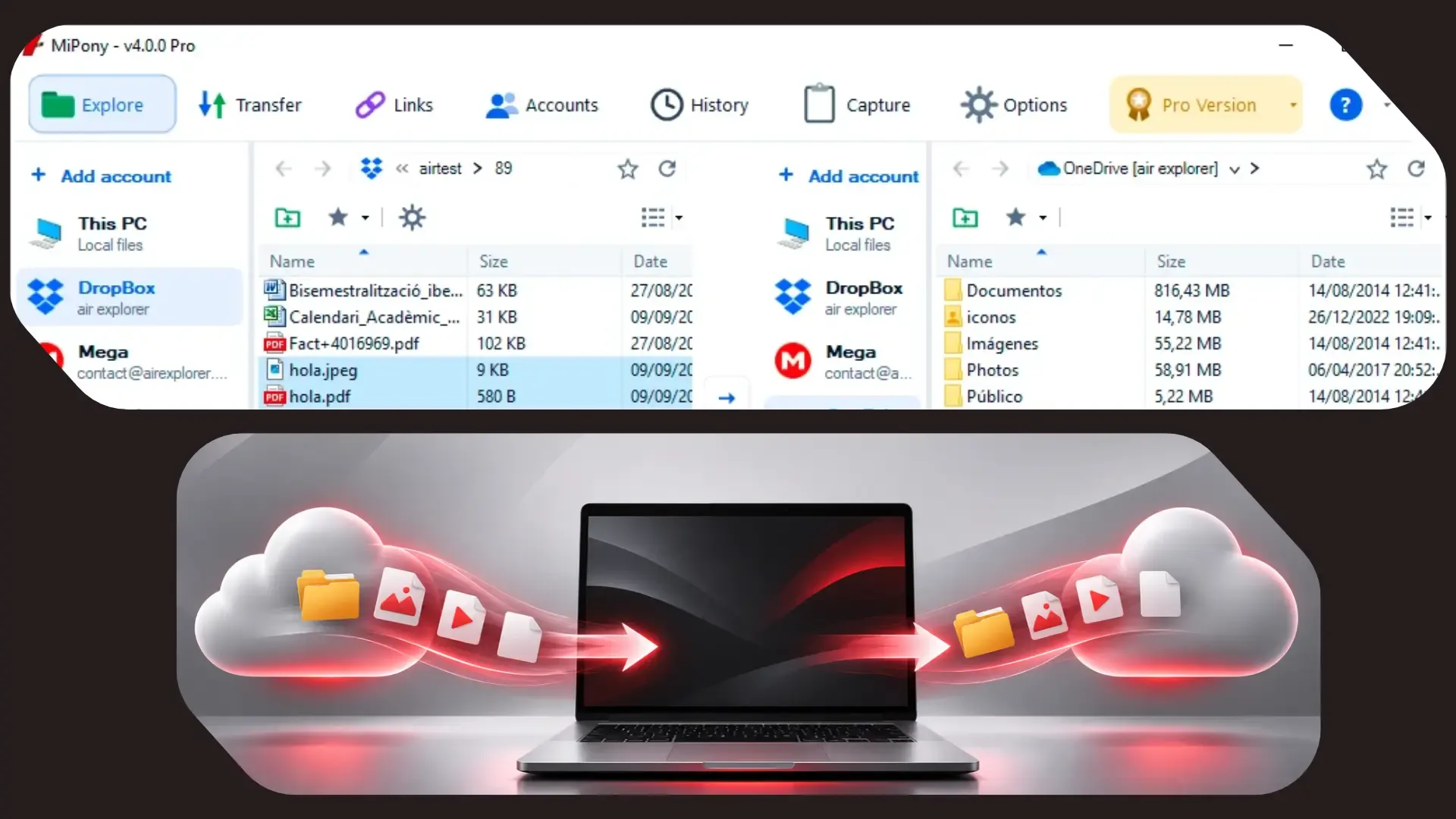
Looking for a MultCloud alternative without the 5 GB monthly cap? See how Mipony, a free Windows app, compares and moves files between clouds.
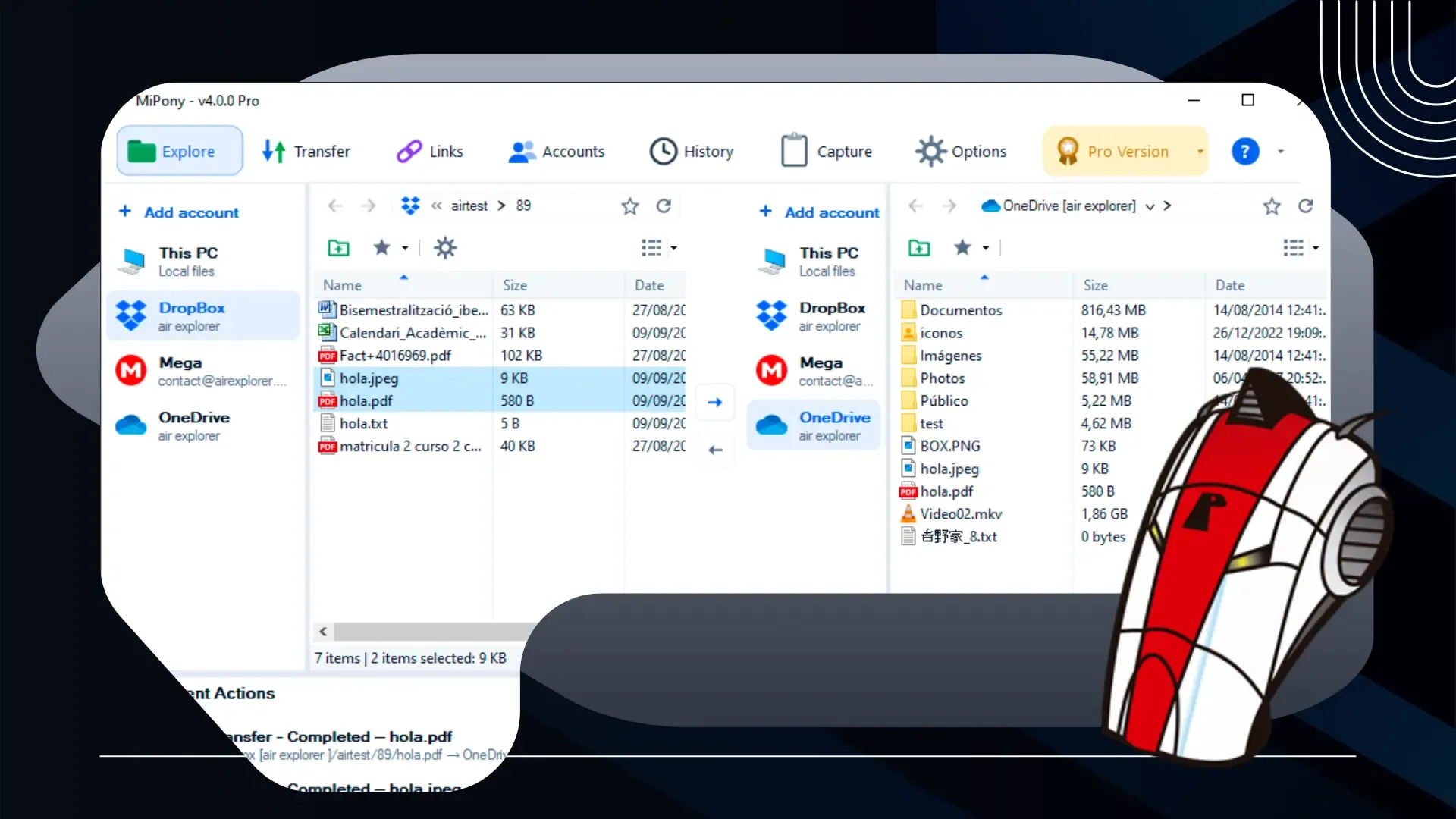
Move files from one cloud to another without downloading them first: what to check, how to copy between services with Mipony, and how to verify it.
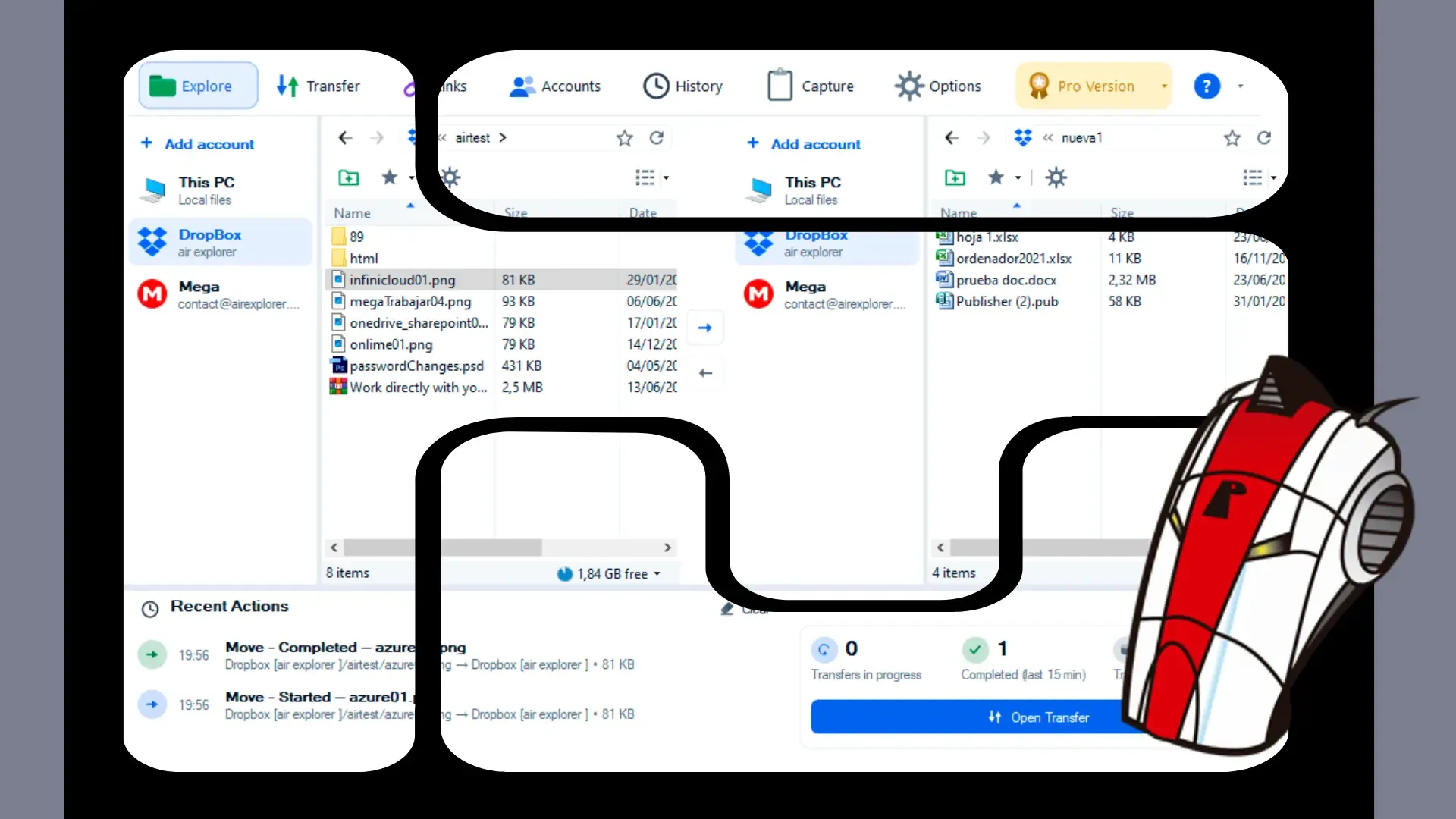
Learn how to use Mipony step by step: connect your cloud storage account, upload files from your PC, and check your first transfer.