
Mipony for Mac, new version
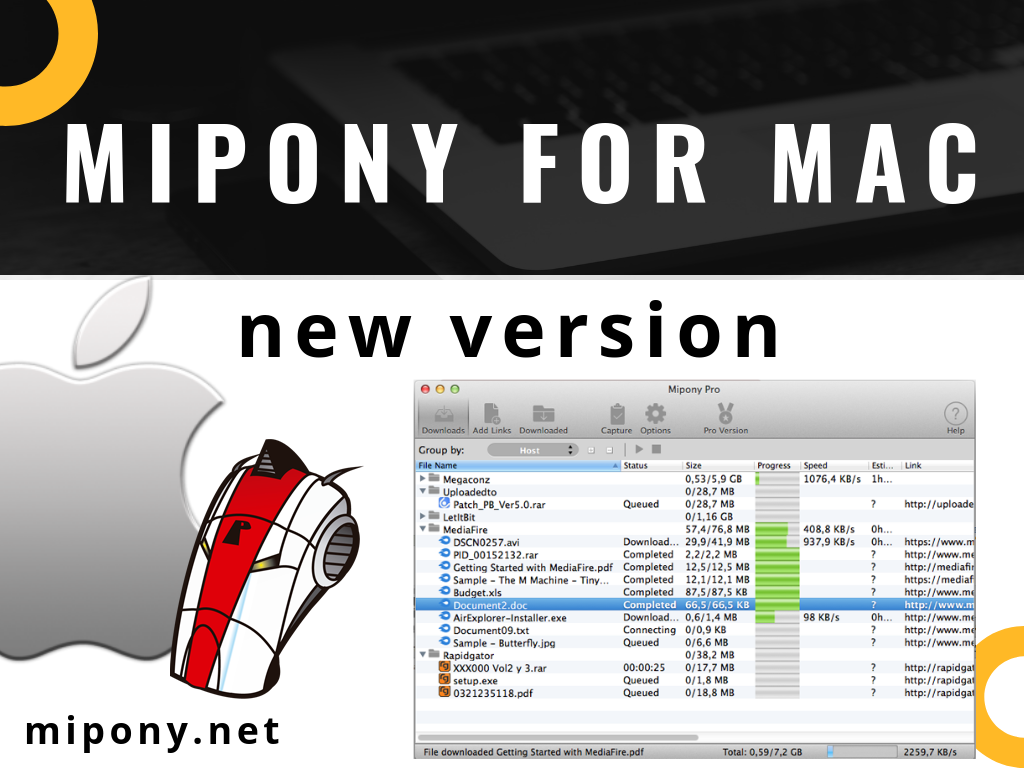
List of changes:
-Fixed compatibility issues with OS X Mojave.
-Fixed icons and texts were not correctly displayed in some computers.
Mipony for Mac, new version Read More »

List of changes:
-Fixed compatibility issues with OS X Mojave.
-Fixed icons and texts were not correctly displayed in some computers.
Mipony for Mac, new version Read More »
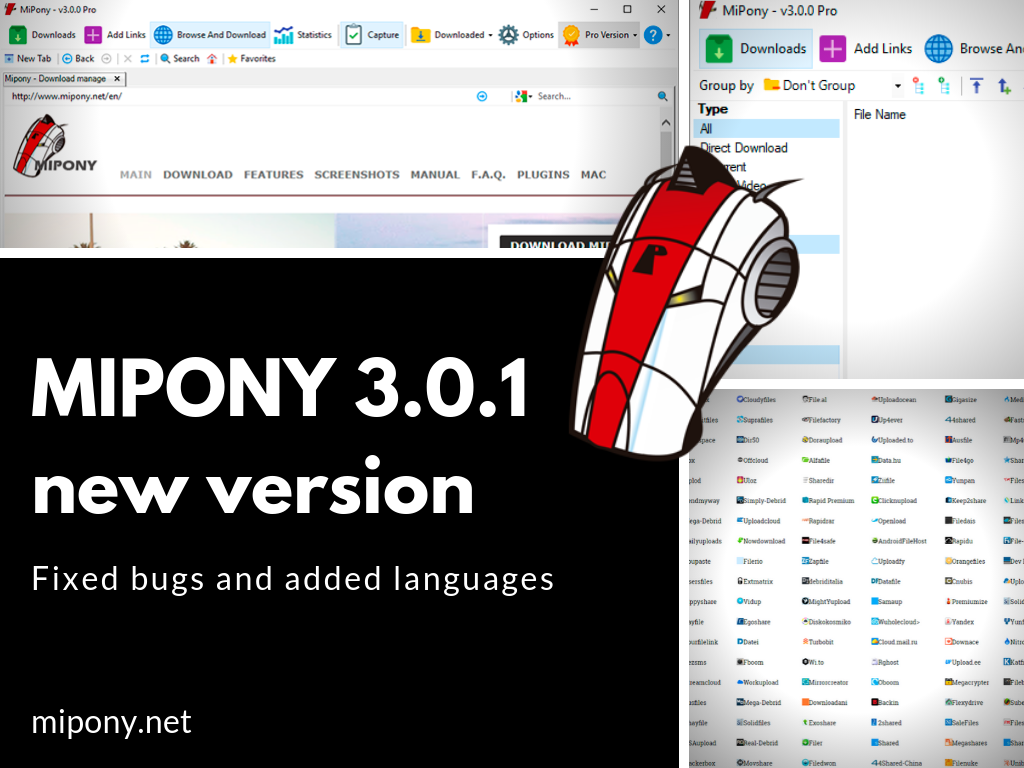
List of changes:
-Fixed, notifications were shown for complted files even with notifications disabled.
-Fixed error showing Options Window.
-Fixed, change targer folder did not work for direct downloads.
-Updated Chinese translation (thanks to egfree).
-Updated Korean translation (thanks to 장재평).
-Updated Japanese translation (thanks to Tilt).
-Updated Brazilian Portuguese translation (thanks to Igor).
-Updated French translation (thanks to rico).
Mipony 3.0.1, new versión Read More »
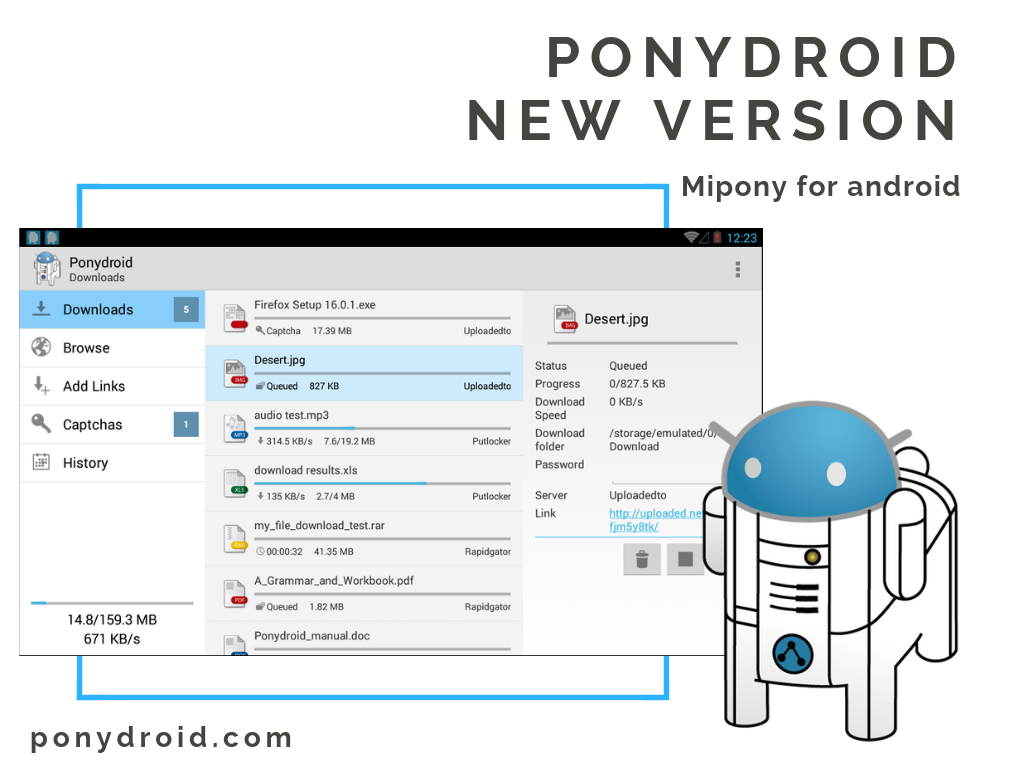
Now, you have available the new version of Ponydroid, the download manager for Android.
With Ponydroid on your smartphone or tablet, you can download your files avoiding host sites inconveniences.
Download the new version here.
List of changes:
-Fixed the problem with files larger than 2 GB.
New version of Ponydroid, Mipony for Android Read More »
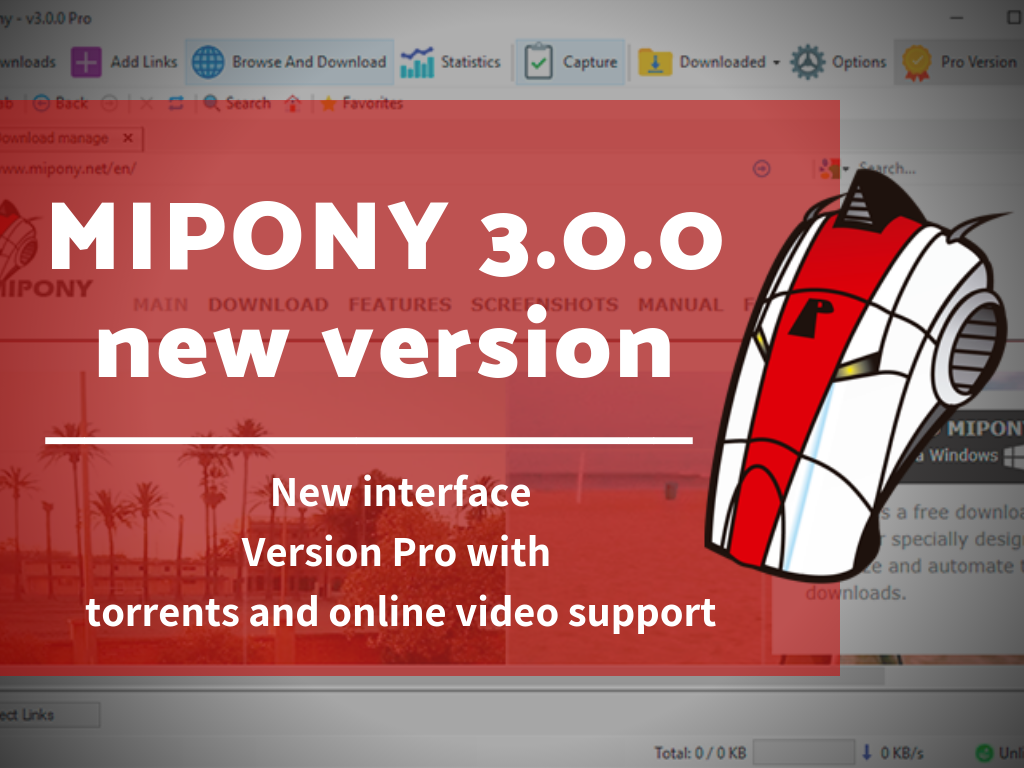
List of changes:
-New interface.
-Version pro with torrents and online video support.
-Visualization filters in the Download window.
-Interface ready for high resolution monitors HDPI.
-.NET 4.0 ó más nuevas es requerido.
Mipony 3.0.0, new versión Read More »
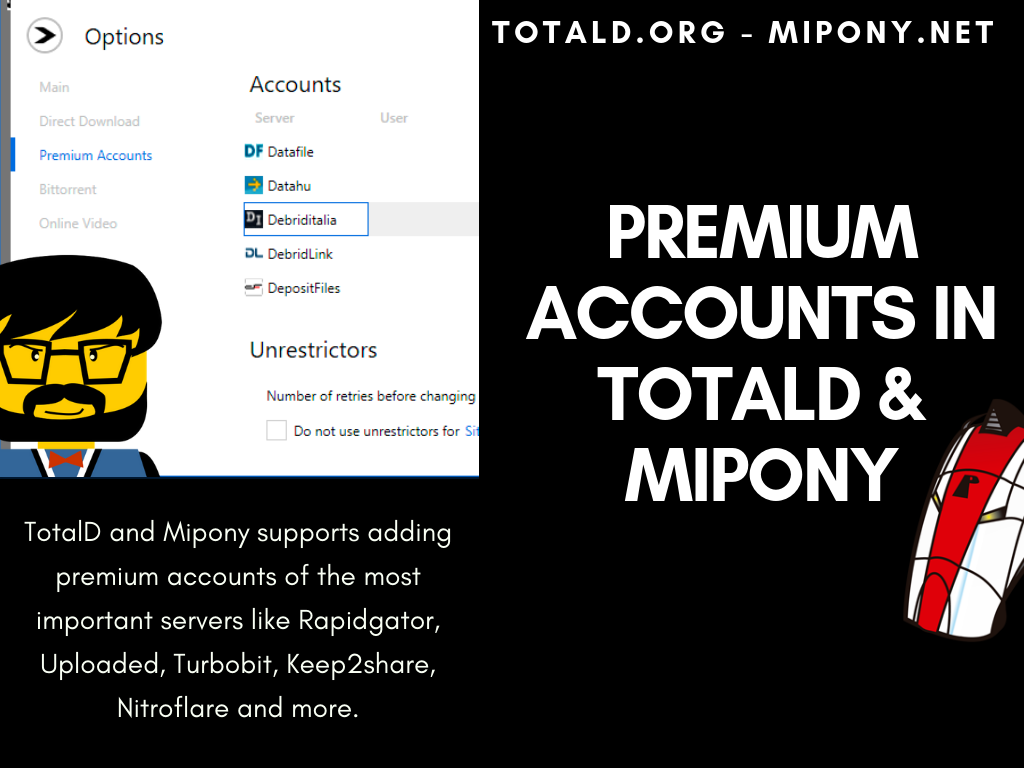
When you download direct downloads from TotalD or Mipony, a lot of servers have impediments to slow the download, like captchas or wait time. Both programs downloads files automatically by avoiding host sites inconveniences at the maximum possible speed. But if you need more speed in your downloads or to avoid the captchas you can add a premium account of your favorite server.
TotalD and Mipony supports adding premium accounts of the most important servers like Rapidgator, Uploaded, Turbobit, Keep2share, Nitroflare and more.
Premium accounts in TotalD & Mipony Read More »
TotalD downloads online videos from Youtube, Vimeo, and Dailymotion.
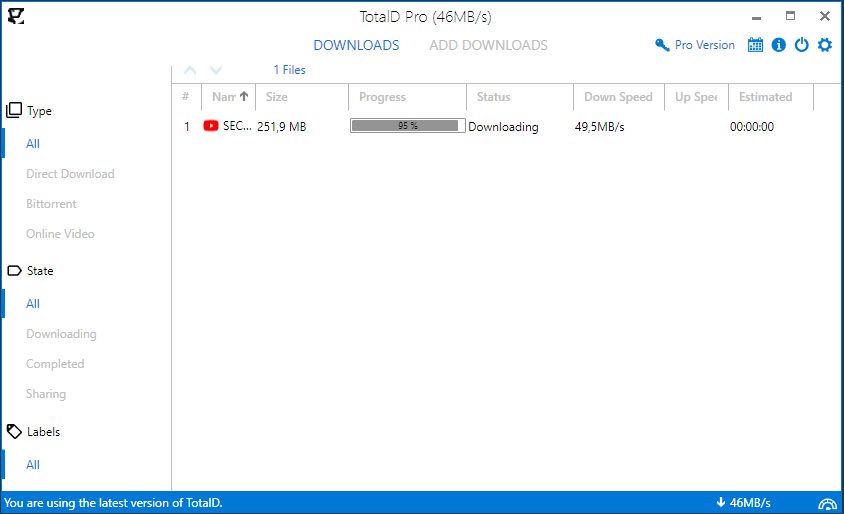
When you download Youtube videos, you can choose which quality you download the videos (only for pro users).
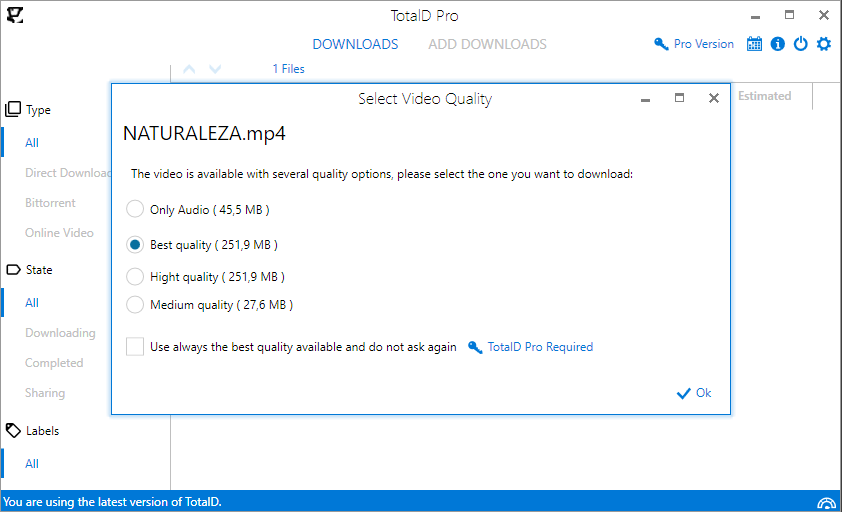
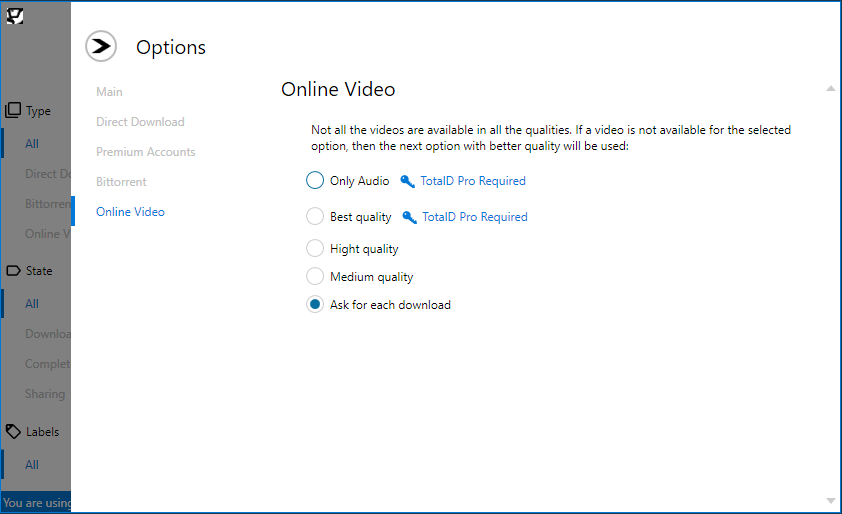
Now, if you download a Youtube video, you can choose to download only the audio (only for pro users). In Options you can configure it as default or to ask for each download.
Download Youtube videos and audios with TotalD Read More »
TotalD and Mipony are two download managers. With TotalD you can download bittorrents, direct download and online videos. In both you can include your premium accounts to download your files avoiding the captchas.
Black Friday until November 25th, 50% of for TotalD:
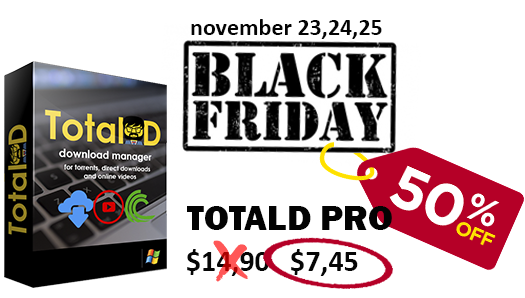
50% DISCOUNT for a TotalD LIFETIME Pro license, If your are interested in a lifetime license you can get one now for only $7.45 (with a 50% discount).
Black Friday TotalD Read More »
TotalD, the download manager that support direct download, online video and torrents, has a new version.
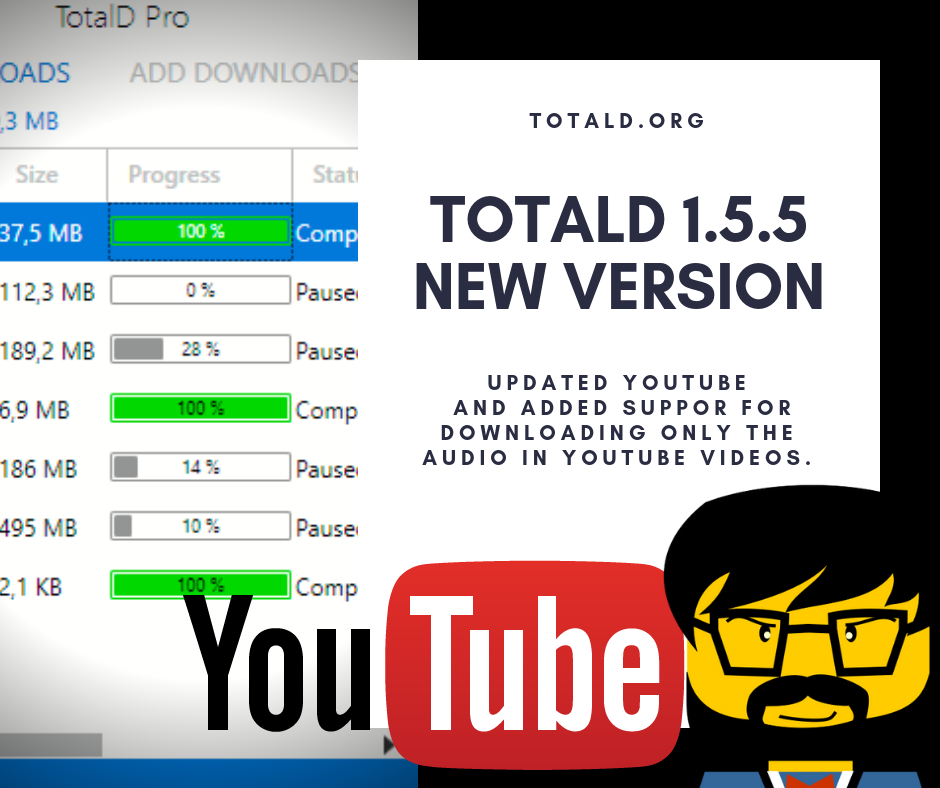
TotalD 1.5.5, new version Read More »
We released a Web Sites Database updated for Mipony and TotalD
Mipony and TotalD will update itself when it starts, you have to do nothing.
List of changes:
-Updated Rapidgator.
-Updated Nitroflare.
Web Sites Database updated for Mipony and TotalD Read More »
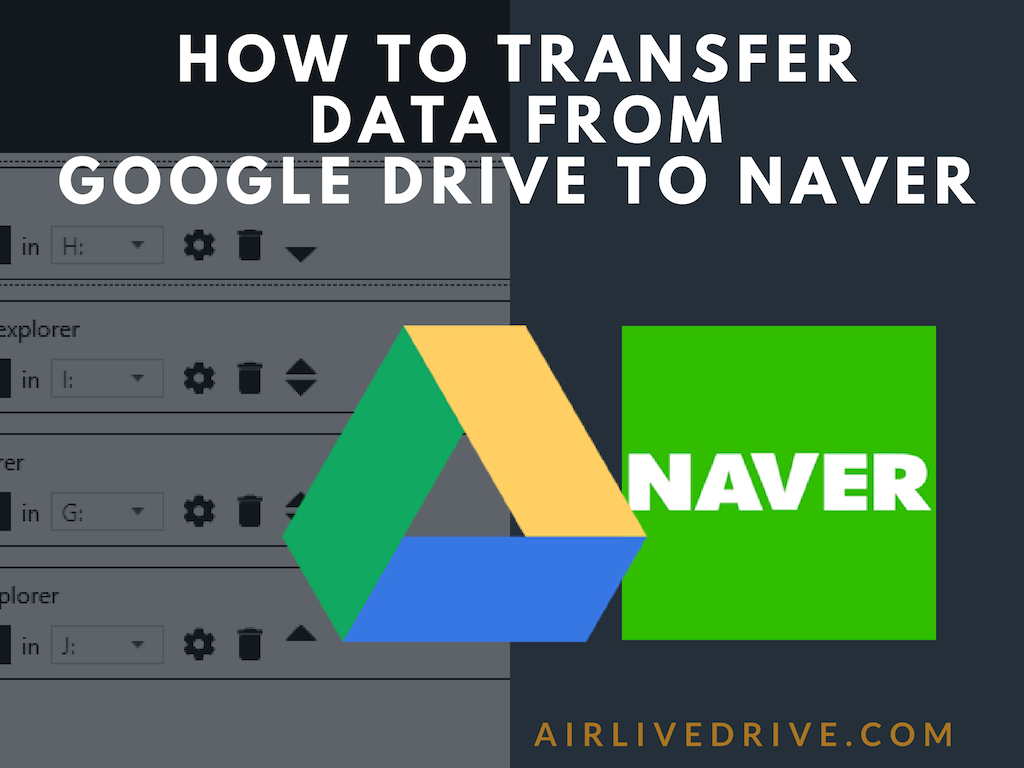
With Air Live Drive you can mount your clouds as local disks on your computer.
Air Live Drive supports the most important storage sites like OneDrive, OneDrive for Business, Google Drive, Box, Mega, Dropbox, Yandex, Baidu, Naver, Hidrive, pCloud, Mail.com, Mail.ru, Adrive, Magenta, Stack Storage and Datto Drive. But it also works with WebDav, FTP and SFTP.
Working with several clouds is more common nowdays. It is very easy with Air Live Drive to work with several clouds in your computer and transfer files from cloud to cloud. If you have accounts in Google Drive and Naver, you can move files between them with only one program.
First you have to add your Google Drive and Naver accounts to Air Live Drive.
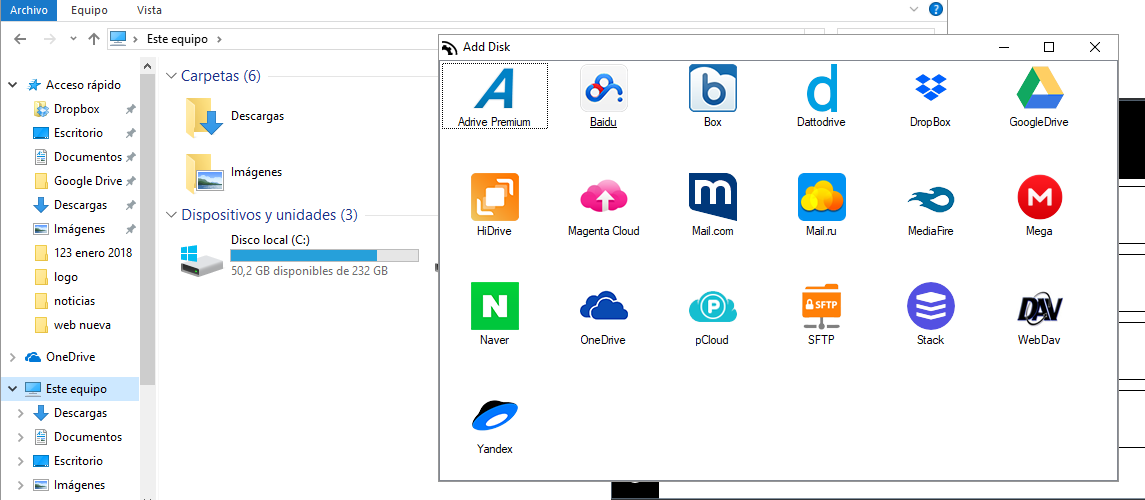
Assign the Google Drive and Naver accounts to a disk drive. 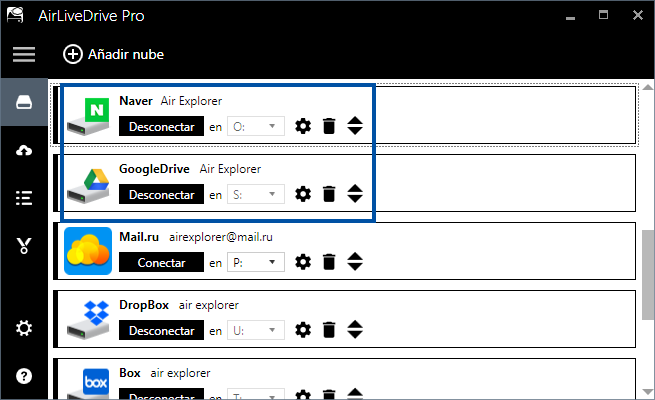 Open your clouds in the Window Explorer.
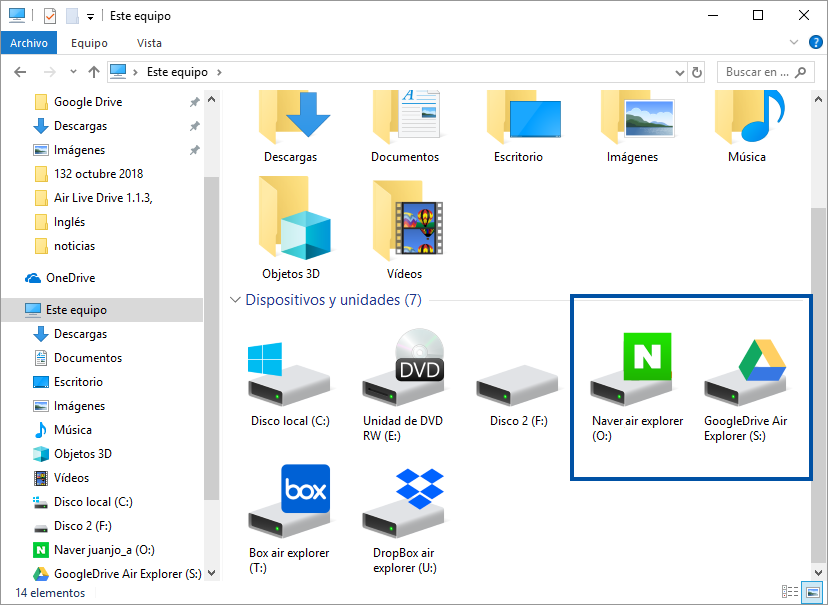 And drag/drop your files between the clouds.
How to transfer data from Google Drive to Naver Read More »