MAIN DOWNLOAD FEATURES SCREENSHOTS MANUAL F.A.Q.


FAQ


Megaupload
Rapidshare
Hotfile
Easy-share
Gigasize
Mediafire
Depositefiles
Megaporn
Filefactory
Uploading
4shared
  etc.


Download order of files

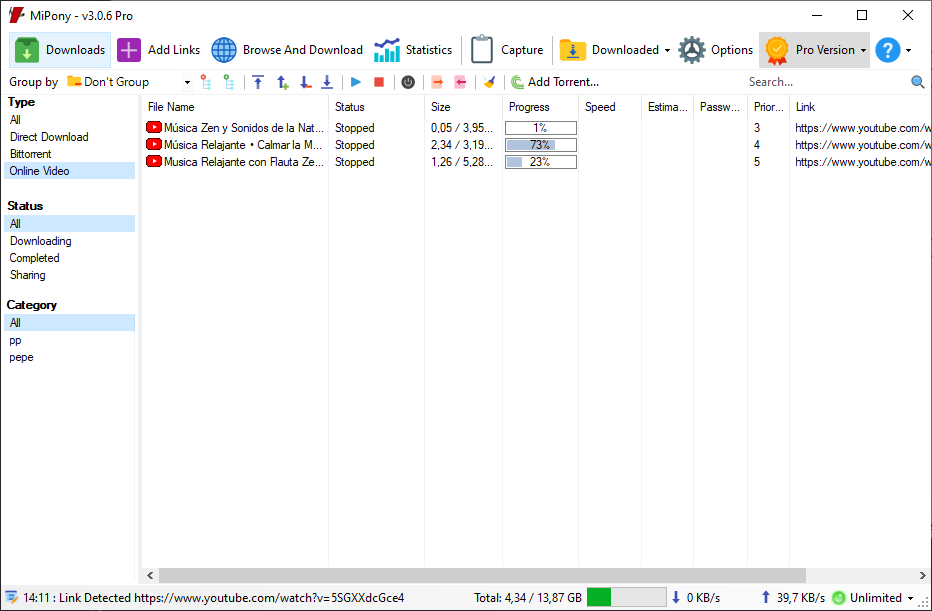
With version 1.0.4 you can choose the order in which the files can be downloaded. By default, files are downloaded in the order in which they were added to the downloads list, but if you want to change the order there are two methods:

*Download the files following the order of the list of downloads. With this option chosen the files will be downloaded according to the order of the downloads list. To change the position of a file you can drag it or right click in the “Priority” menu, to raise or lower the position.

*Use priotities in files to establish the order of the download. With this option the downloads list can be arranged by clicking on the column, but this does not change the order of the download, which will be according to the order in which the links were added. To change the order in this option right-click on the menu and “Priority”, to give greater or lesser priority to the file download.


How can I upload link containers?

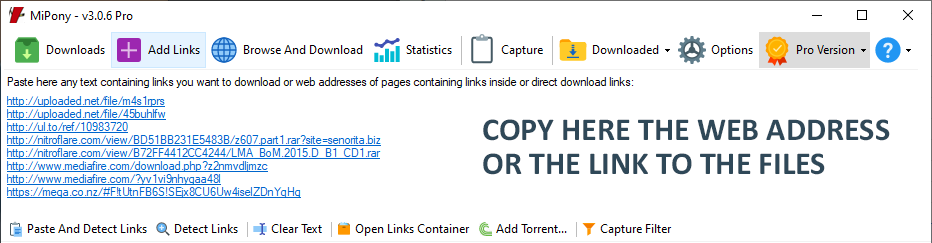
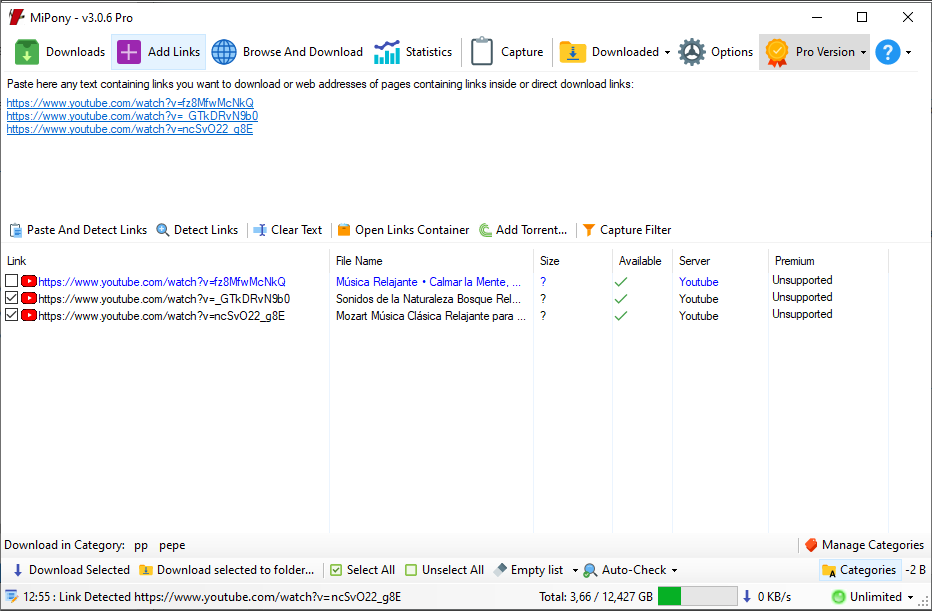
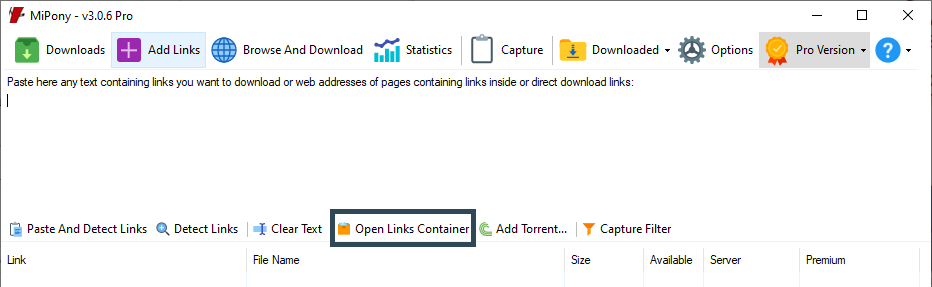
A link container is an encrypted file that has a list of links. To add the links of a container to the download links from the "Add links" screen, select the option "Open container" and then select the file.


Why do I have to wait for some downloads start?

Rapidshare, Hotfiles, and other servers assign waiting times before and in between downloads or some maximum limits of MB available for download per day. This limit is mandatory, however the program optimizes these waiting periods to be as short as possible. The only way to avoid waiting times is having a premium account and configuring it in the Program options.


I want to download the file from a website and the program does not recognize it.

The program supports a wide range of files servers; however, it is always possible that you may want to download a file that is not supported. In the "Help" menu, through the "Send us failures and suggestions" option you can send us the link you want to download so that we can add support to such sever in the next program update.


Can I use Mipony from the command line?

Yes, you can add downloads to Mipony directly from command line; this is the syntaxes:
Mipony.exe /url:[URL]

for example:
MiPony.exe /url:
http://rapidshare.com/files/292941875/Mipony-Manual-Espanol-Spanish.pdf


How to use Mipony with Flashgot?

To configure Flashgot to work with Mipony, first go to "Flashgot - Options" and click on "Other options".

Open a dialog box to enter the name of the download manager and you will be asked where the executable file of Mipony is located.

The third step is to indicate which will be the arguments template: / url: [URL] and select "Show in context menu".

In this way, when you click the right button of your mouse on the link, you will have the option to select Mipony to download the files.


Download files in defined folders.

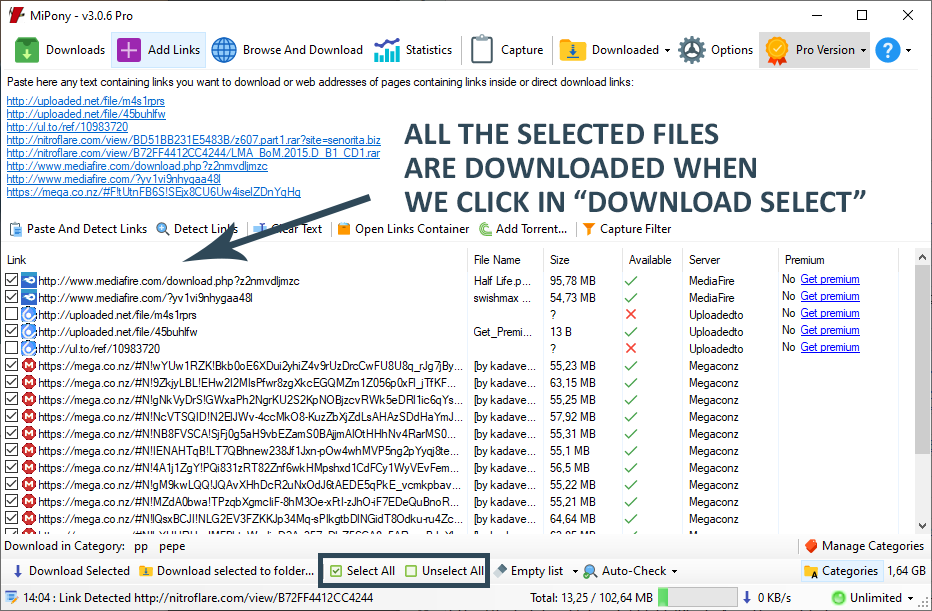
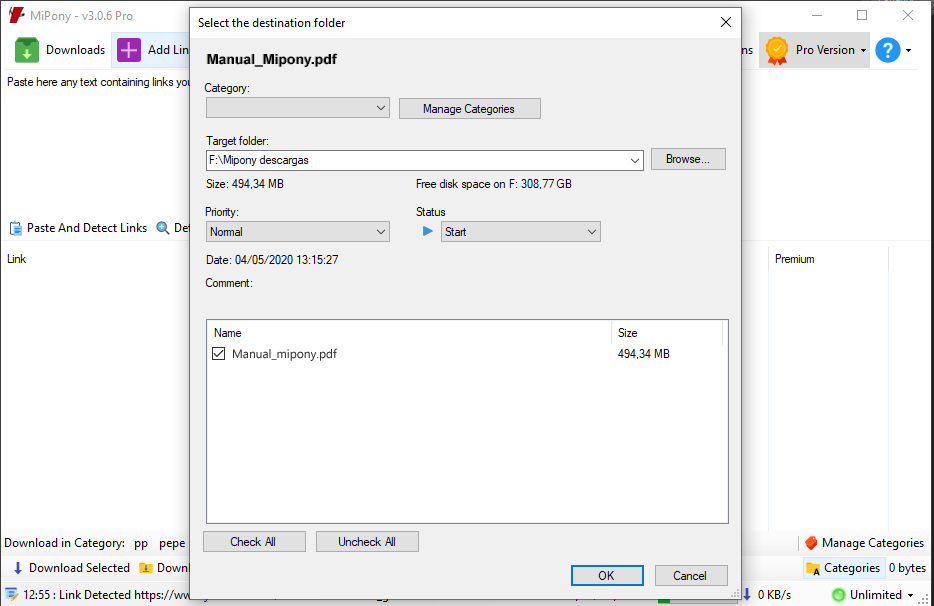
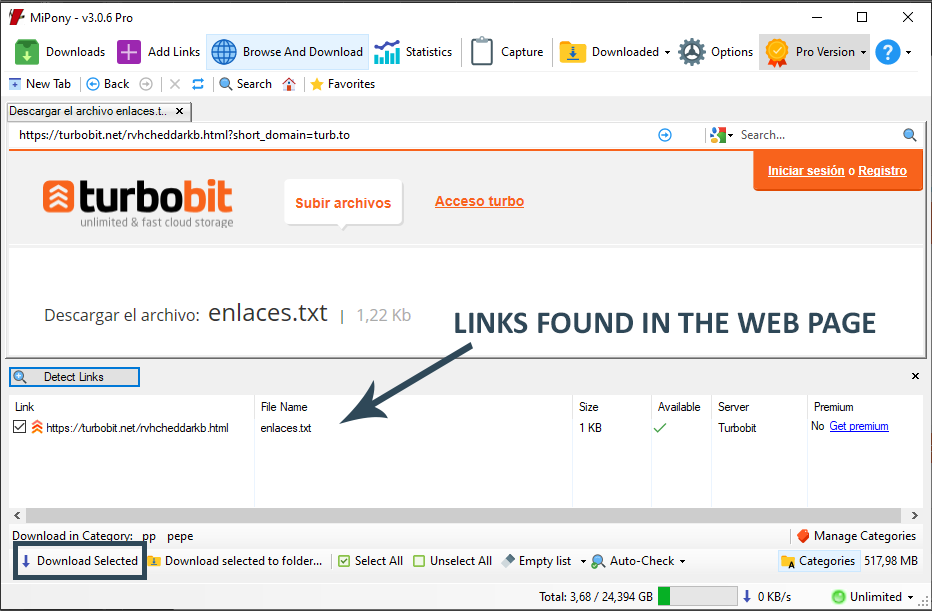
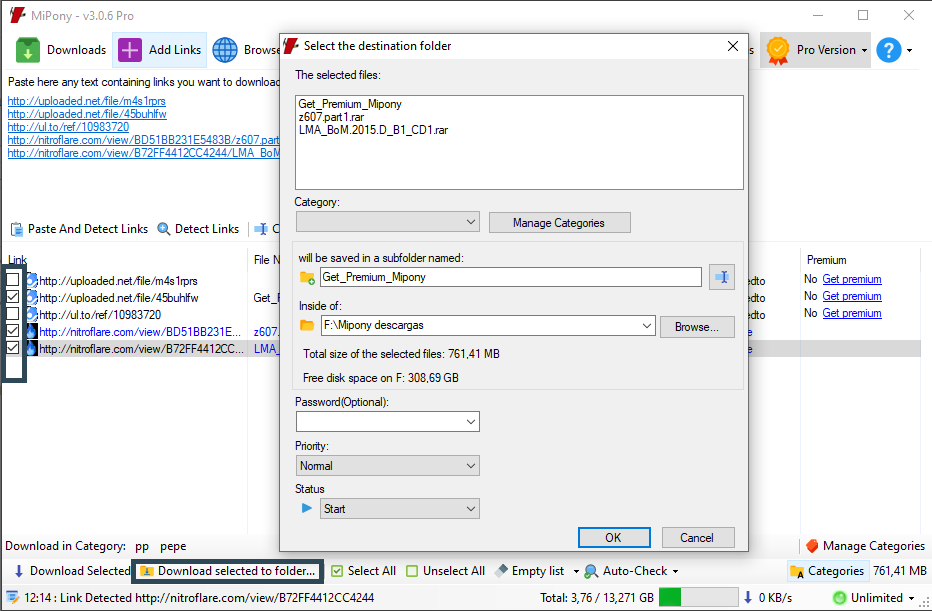
Downloads can be stored in different folders created by the user before they are downloaded to have them more organized. Thus, a group of files can be selected in the “Add links” tab and clicking on “Download selections in folder” to choose a folder to be stored there when the files are downloaded. This way we can have downloads more organized.


How do I extract files that I download automatically?

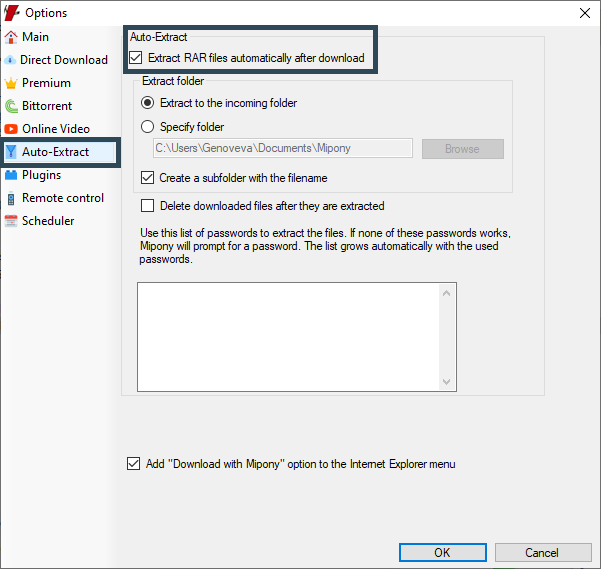
In the advanced options, Mipony gives the option to enable “Automatically extract rar files after downloading them”. Once this option is activated you can specify what folder the files will be stored in once the are extracted.
To extract rar files after they are downloaded, a password is sometimes required. Mipony has compiled a list of passwords for extracting files that grows automatically with successfully used passwords. If none of the stored passwords works, Mipony will request one. After requesting a password from the user, Mipony tests all the passwords on the list, so if you download a lot of files that have the same password, Mipony will only request it the first time.


 

Why are files downloades one at a time?

Mipony allows the simultaneous download of any number of files (changeable in Options), however some websites stipulate that if you don’t have a Premium account, downloads will be done one at a time, and that there must also be a delay between each file that Mipony must respect. The only solution to this limit is to sign up for a premium account.